The Curious Case of the Arduino IDE That Wouldn't Start
 Robert Prüst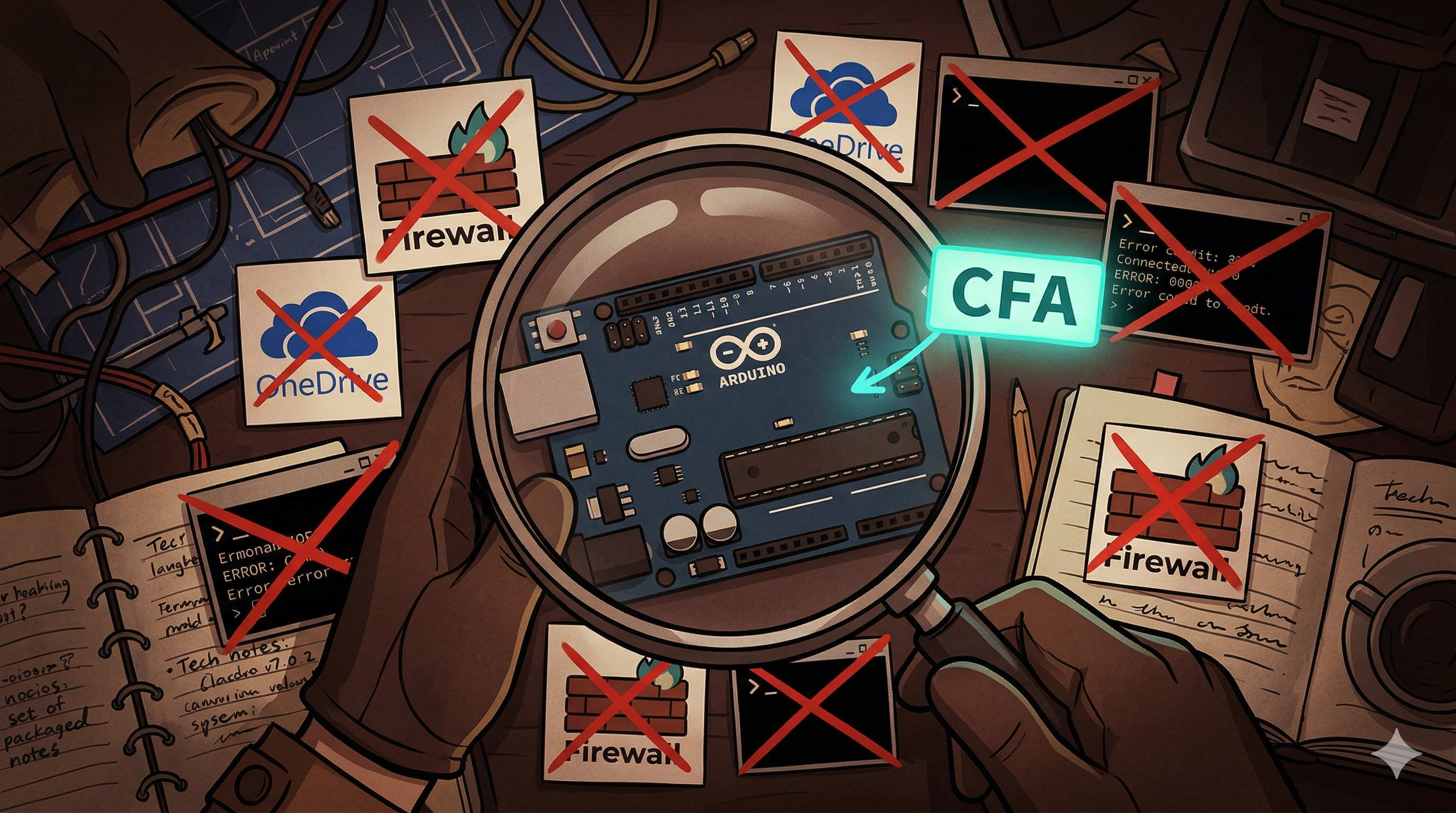
Christmas Day 2025. New Arduino board, excited to get it working. Install Arduino IDE 2.3.7, launch it, and… nothing. Just a blinking logo. Forever.
This is the first post in what might become a series — things that broke, the rabbit hole of trying to fix them, and (eventually) the actual solution. Fair warning: this one took a while.
The Symptom
Arduino IDE 2.3.7 on Windows 11, corporate-managed machine. Launch the IDE, get the splash screen with the pulsing Arduino logo, and it never progresses. No error, no crash, just… stuck.
Running it from PowerShell to get verbose output showed the backend starting up fine — Theia listening, daemon running, plugins syncing — and then nothing:
Theia app listening on http://127.0.0.1:61698.
Finished starting backend application: 15.0 ms
...
Sync of 23 plugins: 909.0 ms
After that last line, the IDE would just sit there. Indefinitely.
The Rabbit Hole
Here’s everything that was tried, in roughly the order it happened. Spoiler: none of this was the actual fix.
Attempt 1: The Obvious Stuff
- Rebooted the machine
- Uninstalled and reinstalled the IDE
- Tried a different installer (MSI vs user installer)
- Deleted
package_index.jsonfrom the Arduino15 data folder (%LOCALAPPDATA%\Arduino15\, which typically resolves toC:\Users\<username>\AppData\Local\Arduino15\)
No change.
Attempt 2: OneDrive and Special Characters
The verbose output from running the IDE through PowerShell (just launch the .exe from a terminal and it prints to stdout) revealed something interesting — the Arduino sketchbook path pointed to OneDrive:
directories.user: C:\Users\RobertPrüst\OneDrive - powershellpr0mpt\Documents\ArduinoTwo potential issues here: the ü in the username (non-ASCII characters have a history of breaking tools), and OneDrive’s “cloud reparse points” potentially interfering with file operations. Both are documented issues for Arduino IDE on Windows.
Edited arduino-cli.yaml (found in %USERPROFILE%\.arduinoIDE\, e.g. C:\Users\<username>\.arduinoIDE\arduino-cli.yaml) to point to clean, local paths. Still stuck.
Attempt 3: Loopback Connectivity
Arduino IDE uses Electron and Theia — the frontend talks to its own backend over 127.0.0.1 on dynamic ports. Tested the connection while the IDE was stuck:
Test-NetConnection -ComputerName 127.0.0.1 -Port 61698
# WARNING: TCP connect to (127.0.0.1 : 61698) failed

Test-NetConnection -ComputerName 127.0.0.1 -Port 61699
# WARNING: TCP connect to (127.0.0.1 : 61699) failed
The backend says it’s listening, but nobody can connect. Something is blocking local TCP traffic.
Attempt 4: Portable Mode
Downloaded the ZIP version, extracted to C:\ArduinoPortable\, created a portable subfolder. This should bypass all profile and OneDrive entanglements.
Still stuck on splash.
Attempt 5: Firewall Rules and Electron Flags
Added Arduino IDE to Windows Defender Firewall for both public and private networks. Found two existing firewall rules for Arduino IDE — both disabled. Enabled them. Also tried:
& ".\Arduino IDE.exe" --disable-gpu --no-sandbox
& ".\Arduino IDE.exe" --safe-mode
& ".\Arduino IDE.exe" --disable-gpu --no-sandbox --disable-features=OutOfBlinkCors
None of it made a difference. At this point, the frustration was real — this should not be this hard for something that works fine on most machines.
Attempt 6: Fixed Daemon Port
Configured the CLI daemon to use a fixed port and created a firewall rule for it:
# arduino-cli.yaml
daemon:
port: "62000"New-NetFirewallRule -DisplayName "Arduino CLI" -Direction Inbound -LocalPort 62000 -Protocol TCP -Action AllowStill nothing.
The Actual Fix
After all of the above, the answer was sitting in the Windows Defender event logs the entire time:
Get-WinEvent -LogName "Microsoft-Windows-Windows Defender/Operational" -MaxEvents 10012/25/2025 11:19:16 PM 1123 Warning
C:\ArduinoPortable\portable\Arduino IDE.exe has been blocked from modifying
%userprofile%\OneDrive - powershellpr0mpt\Documents by Controlled Folder Access.Controlled Folder Access (CFA). That was it.
CFA is a feature in Microsoft Defender that protects certain folders — including Documents and anything under OneDrive — from unauthorized modifications. Arduino IDE needs to write to the Documents folder for its sketchbook and configuration. CFA silently blocked those writes. No popup, no error in the IDE, no obvious indication that anything was wrong. The IDE just… stalled.
The fix was simple. Either through the UI:
- Open Windows Security → Virus & threat protection → Ransomware protection → Manage ransomware protection
- Under Controlled folder access, click Allow an app through Controlled folder access
- Add the Arduino IDE executable — in my case
C:\ArduinoPortable\portable\Arduino IDE.exe, or wherever you installed it (e.g.,C:\Program Files\Arduino IDE\Arduino IDE.exefor a standard install)
Or through PowerShell (run as Administrator):
# Adjust the path to match your installation
Add-MpPreference -ControlledFolderAccessAllowedApplications "C:\ArduinoPortable\portable\Arduino IDE.exe"
You can verify it was added with:
(Get-MpPreference).ControlledFolderAccessAllowedApplicationsThe moment that was done, everything came alive — firewall popups asking for permissions, drivers installing, board selection appearing. A fully working IDE at last.
Why This Was So Hard to Find
A few things made this particularly frustrating:
-
CFA doesn’t show warnings to the end user. The blocks only appear in the Defender event log (
Microsoft-Windows-Windows Defender/Operational, Event ID 1123). There’s no toast notification, no popup, nothing in the IDE output. -
The symptom looks like a network problem. The IDE’s frontend couldn’t connect to its own backend, which made it seem like a firewall or loopback issue. In reality, the backend was starting but couldn’t complete initialization because file writes were being blocked.
-
Most troubleshooting guides focus on non-managed machines. The Arduino community’s standard fixes (reinstall, clear cache, check OneDrive paths) are all valid for personal machines. On corporate-managed machines with Defender for Endpoint, CFA adds a layer that most guides don’t cover.
-
Portable mode doesn’t fully escape it. Even in portable mode, the IDE still tried to access the user profile path for config, which meant CFA was still involved.
How to Check if CFA is Blocking Your App
If you’re running into a similar issue — any Electron-based app stuck on startup on a managed Windows machine — check the Defender logs first:
# Check for CFA blocks in the last 100 Defender events
Get-WinEvent -LogName "Microsoft-Windows-Windows Defender/Operational" -MaxEvents 100 |
    Where-Object { $_.Id -eq 1123 } |
    Format-Table TimeCreated, Message -Wrap
Event ID 1123 is the one you’re looking for — it logs every time CFA blocks an app from modifying a protected folder.
Lessons Learned
- Check Defender logs early. If an app behaves differently on a managed vs. unmanaged machine, the answer is probably in the security policies. Don’t spend two hours on OneDrive paths and firewall rules first (like someone did on Christmas Day).
- CFA affects more than just ransomware. Any legitimate app that writes to protected folders needs to be explicitly allowed. This includes Arduino IDE, and likely other Electron-based development tools.
- “It works on my machine” has a new variant: “It works on my unmanaged machine.”
Happy scripting 😊