Goodbye PowerShell 2.0 - End of an Era
 Robert Prüst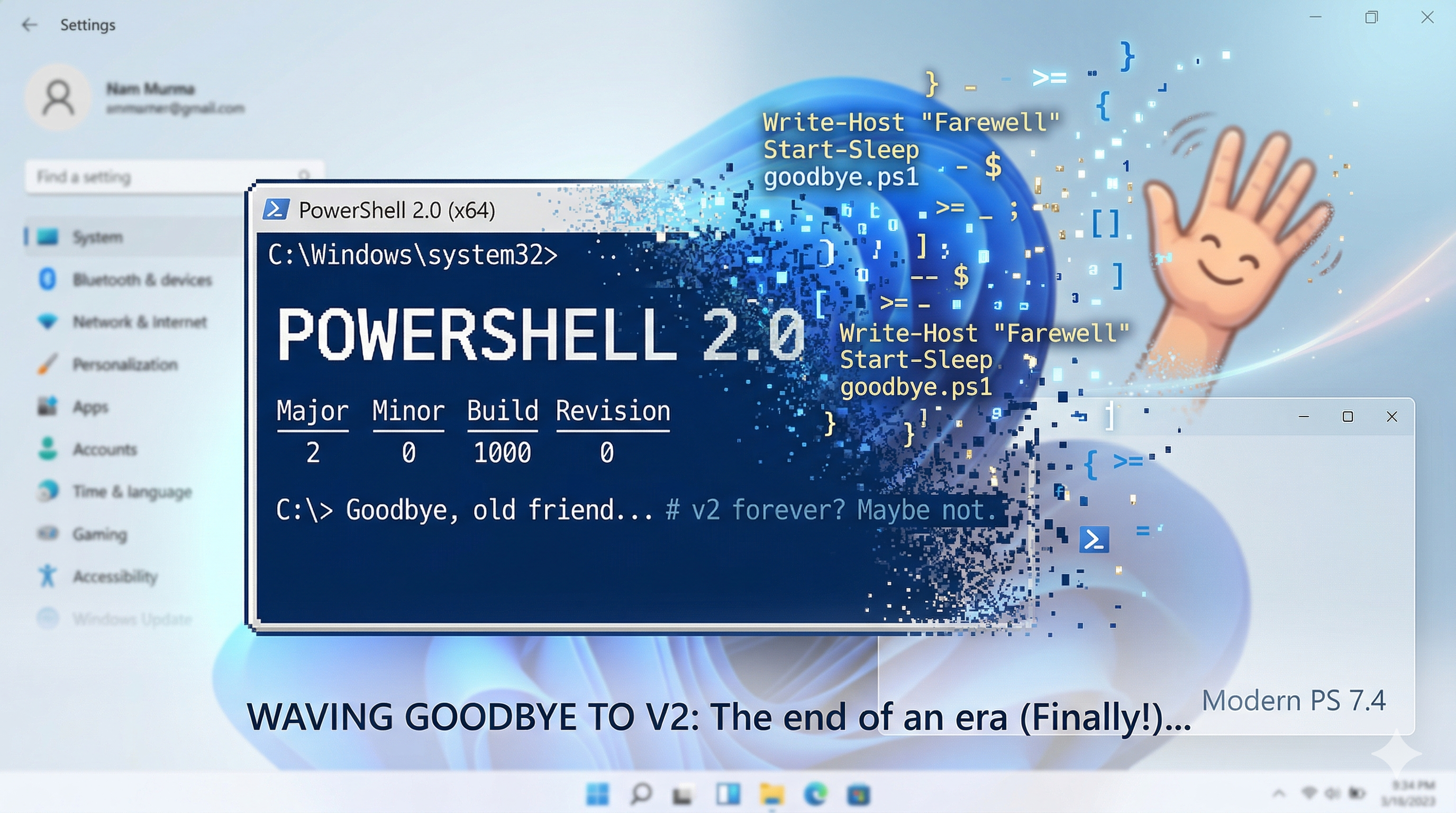
After 8 years of being “deprecated”, Microsoft is finally removing PowerShell 2.0 from Windows 11 and Windows Server 2025.
If you’re anything like me, you’ve probably come across a blog post or documentation page mentioning the deprecation of PowerShell 2.0 every now and then since 2017, thought “huh, that’s still around?” and moved on. Well, this time it’s actually happening. Starting with the August 2025 update for Windows 11 24H2 and the September 2025 update for Windows Server 2025, PowerShell 2.0 is gone. Not disabled, not hidden — removed.
Wait, PowerShell 2.0 was still a thing?
Yep. Up until now, PowerShell 2.0 has been sitting there as a Windows Optional Feature on modern Windows systems. You could still explicitly invoke it by running:
powershell.exe -Version 2And that’s exactly the problem.
Why this matters: the security angle
PowerShell 2.0 predates a lot of the security features we now take for granted in modern PowerShell. Specifically, it lacks:
- AMSI (Antimalware Scan Interface) — the thing that lets your antivirus actually scan PowerShell scripts as they run
- Script Block Logging — detailed logging of what PowerShell code is actually executing
- Transcription — automatic recording of PowerShell sessions
- Constrained Language Mode — restricting what PowerShell can do in locked-down environments
So what could a bad actor do? Simply invoke powershell.exe -Version 2 and bypass all of those protections. It was essentially a built-in downgrade attack sitting right there on every Windows machine.
Removing it closes that door for good.
What happens after the update?
After the removal, if something tries to invoke powershell.exe -Version 2, it won’t launch the old v2 engine anymore. Instead, it falls back to whatever version of Windows PowerShell is installed — which is typically 5.1.
That’s the good news: it doesn’t just break. It gracefully falls back.
The potentially less good news: that fallback doesn’t guarantee identical behavior. While PowerShell 5.1 is broadly backward-compatible with 2.0, there are edge cases where scripts written specifically for 2.0 might not behave the same way.
Should you be worried?
For most of us? Probably not. If you’re running modern PowerShell scripts, you’re already on 5.1 or 7.x and this changes nothing for you.
But it’s worth checking a few things:
1. Check if anything still depends on it
You can check if PowerShell 2.0 is currently enabled on a system by running:
Get-WindowsOptionalFeature -Online -FeatureName MicrosoftWindowsPowerShellV2If the state comes back as Enabled, you might want to investigate why before the update removes it for you.
2. Audit your scheduled tasks and scripts
The common culprits for still depending on PowerShell 2.0:
- Scheduled tasks that explicitly use
-Version 2 - Legacy installers or line-of-business applications that check for the optional feature
- Old Hyper-V VM guest scripts that were written years ago and never updated
A quick search through your scheduled tasks for -Version 2 should surface anything that needs attention:
Get-ScheduledTask | ForEach-Object {
    $actions = $_.Actions
    foreach ($action in $actions) {
        if ($action.Arguments -match '-Version\s+2') {
            [PSCustomObject]@{
                TaskName  = $_.TaskName
                Arguments = $action.Arguments
            }
        }
    }
}
3. Test in a lab first
If you’re in an enterprise environment, it’s worth testing the update in a lab before rolling it out. Run your critical scripts under PowerShell 5.1 and 7.x and see if anything breaks.
There’s no going back
One important thing to note: once the update is applied, there is no supported way to re-add PowerShell 2.0. This isn’t a “disable and re-enable later” situation. It’s gone.
So if you do find something that depends on it, now is the time to fix it — not after the update lands.
Final thoughts
Honestly, this is a good thing. PowerShell 2.0 has been a security liability for years, and the fact that it stuck around as long as it did is more surprising than the fact that it’s finally being removed.
If you want to read more about the official details, check out Microsoft’s support article on the removal.
Happy scripting 😊